
Retire the server in the closet, keep the business running.
Northgate plans and executes your move to Microsoft 365 and Azure with no surprise outage and no surprise bill. You get modern, secure, scalable infrastructure and a team that owns the whole transition.
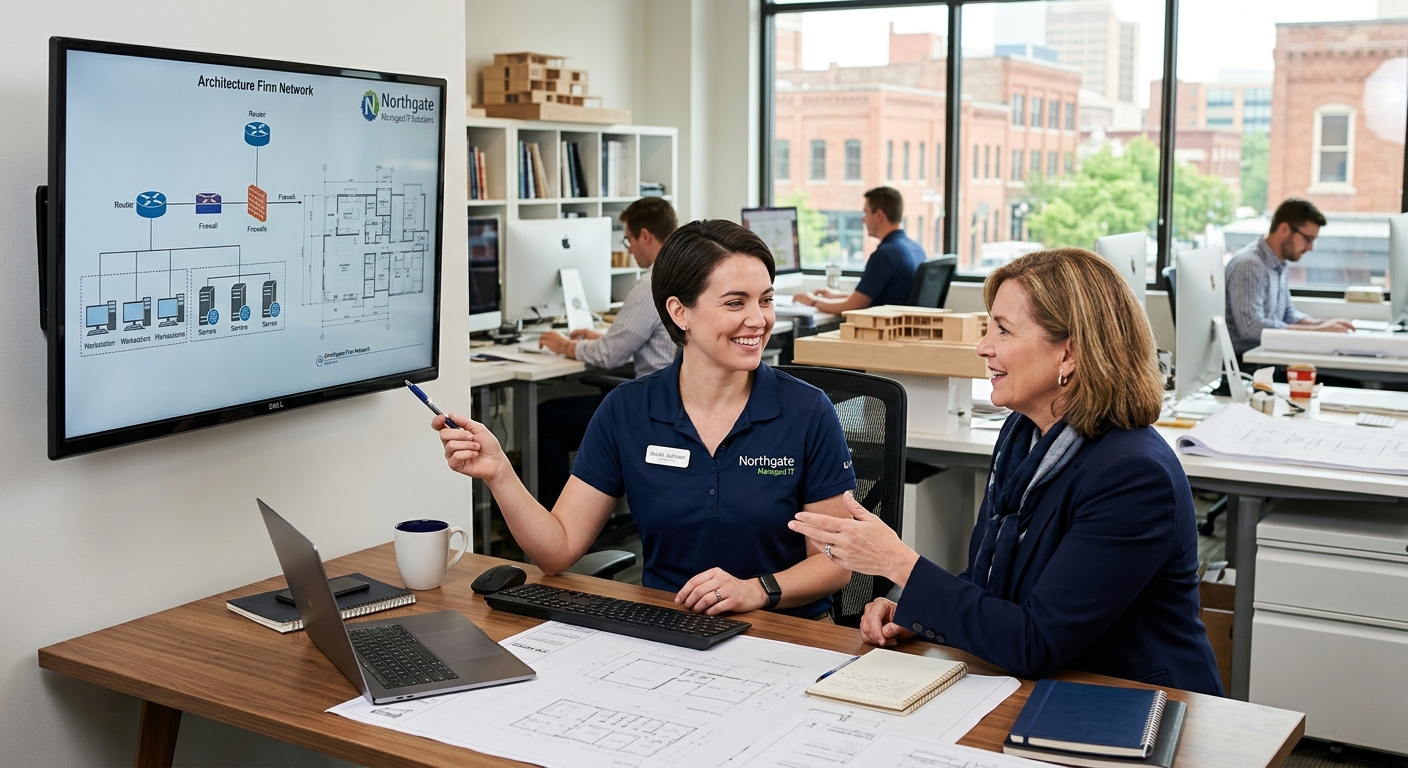
Why migrate
Aging on-premise hardware is a risk with a countdown timer.
That server humming in a back room is a single point of failure, a security liability, and a capital expense that only grows. When it fails, and hardware always fails eventually, the outage lands at the worst possible moment. Moving to the cloud replaces fragile, owned hardware with resilient, managed infrastructure you can scale up or down with your headcount. Northgate handles the assessment, the migration, and the cleanup, cutting over in stages so your team keeps working the whole time. The result is lower risk, predictable cost, and the ability to add a new hire or a new office without buying another box.
- A staged cutover that keeps your team working through the move
- Microsoft 365 and Azure, configured securely from day one
- Legacy servers decommissioned cleanly, with data verified
- Costs that flex with headcount instead of a big hardware refresh
How a Northgate migration works

Assessment
We inventory your servers, apps, and data, then design a migration plan mapped to your real workflows and budget.

Migration
Email, files, and applications move to Microsoft 365 and Azure in staged waves, with rollback plans at every step.

Optimization
Once you are in the cloud, we right-size and secure it so you pay for what you use and nothing you do not.

Backup & recovery
Cloud-native backup and tested recovery so a mistake or an attack never means lost work or a lost day.
The migration, phase by phase
- Phase 1Plan
Discover and design
We map every workload and dependency and build a migration plan you approve before anything moves.
- Phase 2Validate
Pilot
A small group moves first so we prove the process, tune performance, and catch surprises on a handful of users, not all of them.
- Phase 3Migrate
Cut over
The rest of the organization migrates in scheduled waves, outside working hours where possible, with support standing by.
- Phase 4Finish
Decommission
Legacy servers are retired, data is verified, and your new environment is documented and handed to the support team.
Cloud migration questions
Will we have downtime during the move?
We design migrations to avoid it. Staged cutovers and after-hours scheduling mean most teams keep working normally throughout the project.What happens to our old servers?
We decommission them cleanly once data is migrated and verified, and we can securely wipe or recycle the hardware for you.Is the cloud actually cheaper?
It replaces large, lumpy hardware purchases with predictable monthly cost that scales with your team. For most growing businesses, that is both cheaper and far less risky.
Ready to modernize
Let's plan your migration.
We will assess your current environment and give you a staged, budgeted plan to move to the cloud with confidence.
